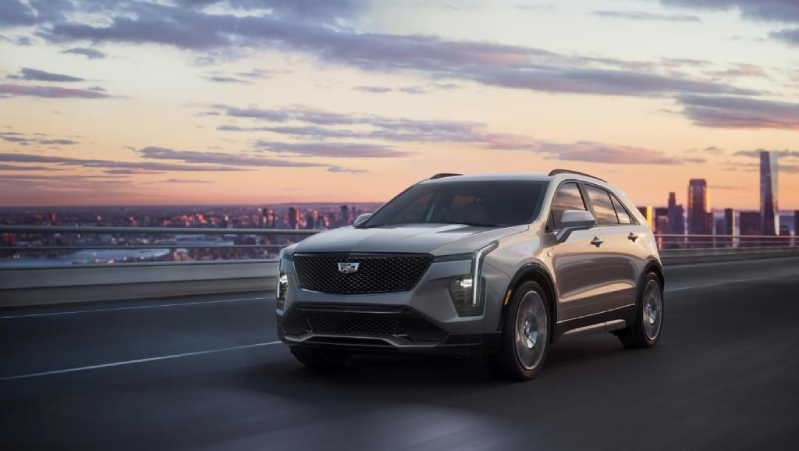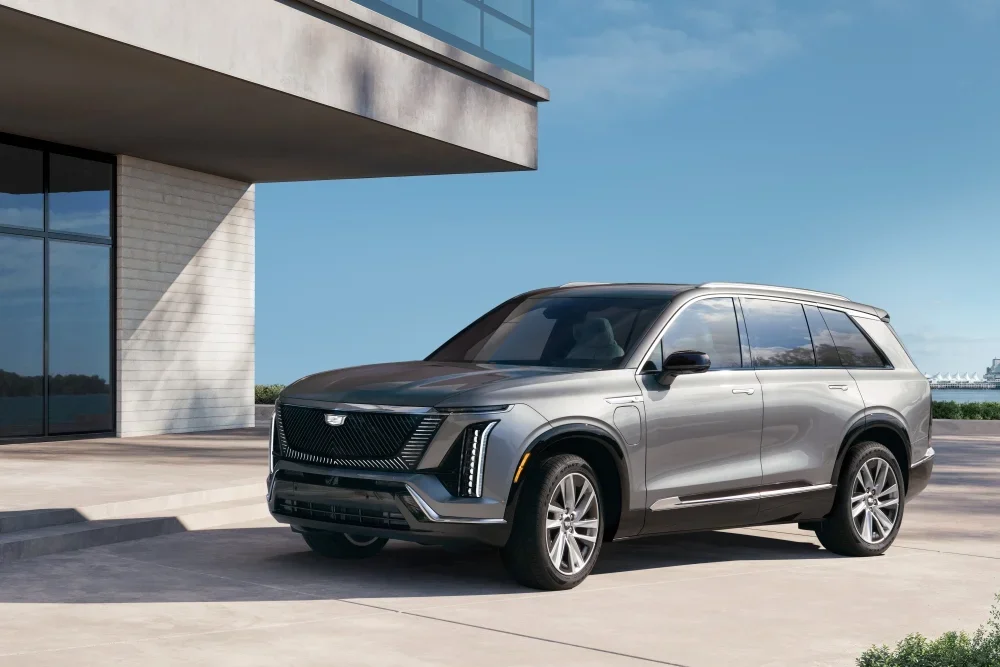


Picture this: It’s a scorching summer afternoon in Lake Wales, or a chilly morning in Waverly, and you’re about to step into your Cadillac. Instead of sweating or shivering while you wait for the temperature to adjust, imagine stepping into a perfectly cooled or heated cabin—ready to go the moment you are. With Cadillac’s remote climate control, you can start the heating or AC in your Lyriq, CT5, and Escalade from your smartphone or key fob, ensuring ultimate comfort before you even open the door.
In this guide, we’ll walk you through how to use the myCadillac app and key fob to control your vehicle’s climate remotely. Whether you're in Highland Park, Alcoma, or anywhere nearby, Huston Cadillac is here to help you get the most out of your luxury driving experience. Have questions? Contact our team today!
Understanding Cadillac’s Remote Climate Control System
Getting into a hot or cold car is never fun. Cadillac’s remote climate control system helps you avoid that discomfort. With the right setup, you can turn on AC or heat remotely and step into a comfortable ride every time.
How Remote Climate Control Works
Cadillac’s HVAC remote setup allows you to adjust the temperature before you even open the door. You can use:
- The myCadillac app to start the system from your phone
- The key fob to start the engine and activate climate settings
- Pre-set climate controls that adjust based on previous settings
This feature is available on models like the Lyriq, CT5, and Escalade. It ensures your car is at the perfect temperature when you’re ready to drive.
Benefits of Using Remote Climate Control
- Comfort – No more stepping into a freezing or overheated car
- Convenience – Control your settings from anywhere
- Efficiency – Your Cadillac adjusts airflow and fan speed for quick results
With just a few taps, you can set your climate to match your needs. Cadillac’s remote climate system makes every drive more enjoyable.
Using the myCadillac Mobile App for Remote Climate Control
The myCadillac app makes it easy to warm up or cool down your car before you get inside. With a few taps, you can turn on AC or heat remotely and enjoy a perfect cabin temperature the moment you step in.
How to Access Remote Climate Control
To start, make sure your vehicle is linked to the myCadillac app. Once connected, follow these steps:
- Open the myCadillac app on your phone.
- Select the "My Vehicle" tab to access remote controls.
- Tap "Controls" to find climate options.
- Choose the heating or AC setting you need.
- Press “Start” to activate your preferred temperature.
The system will adjust based on your last climate settings. This means if you left the AC on, it will start cooling. If you last used the heater, it will warm up the cabin.
Features of the myCadillac App
With the app, you can:
- Pre-set climate settings so your car adjusts before you get in.
- Control fan speed and airflow for better comfort.
- Turn on seat warmers or ventilation in select models.
Whether you drive a Lyriq, CT5, or Escalade, this feature adds ease to your daily routine. The myCadillac app ensures a comfortable ride, no matter the weather.
Activating Remote Start to Control Heating and AC
Remote start makes it easy to heat or cool your car before you get in. With a simple press of a button, your Cadillac will adjust to your last climate settings. This means you can turn on AC or heat remotely and step into a cabin that’s already at the right temperature.
How to Use Remote Start
Your Cadillac’s remote start works through the key fob or the myCadillac app. Here’s how to use each method:
With the Key Fob:
- Press the lock button twice.
- Hold the remote start button until the lights flash or the horn chirps.
- Wait as the system starts and the climate settings adjust.
With the myCadillac App:
- Open the myCadillac app on your phone.
- Go to the "Controls" tab.
- Select “Start” to turn on your vehicle.
- The climate control system will adjust based on your last settings.
What Happens When You Use Remote Start?
- The system uses your last climate settings to heat or cool the cabin.
- If it’s cold, the defroster, heated seats, and steering wheel may activate.
- If it’s hot, the AC will help cool down the interior.
Whether you drive a Lyriq, CT5, or Escalade, this feature keeps your car ready for any weather. Remote start ensures comfort before you even step inside.
Controlling Heated and Ventilated Seats Remotely
A comfortable drive starts before you even step inside. With remote climate features, you can warm up or cool down your seats before you get in. Whether it's a chilly morning or a hot afternoon, Cadillac’s system helps you stay comfortable.
How to Control Heated and Ventilated Seats Remotely
You can adjust seat temperature using the myCadillac app or the remote start feature.
With the myCadillac App:
- Open the myCadillac app on your phone.
- Tap "Controls" to access climate settings.
- Select heated or ventilated seats based on your needs.
- Activate the setting, and your seats will adjust before you enter.
With Remote Start:
- Use your key fob or the myCadillac app to start your vehicle.
- If the weather is cold, heated seats will turn on automatically.
- If it’s hot, ventilated seats will help cool the cabin.
Additional Comfort Features
Along with seat adjustments, you can also:
- Warm up the steering wheel for cold days.
- Defrost side mirrors for better visibility.
- Activate wiper park heating to prevent ice buildup.
Whether you drive a Lyriq, CT5, and Escalade, these features make every trip more enjoyable. Remote climate control means your Cadillac is always set for comfort.
Adjusting Climate Settings Through the myCadillac App
With the myCadillac app, you can fine-tune your vehicle’s climate before you even step inside. This feature helps you stay comfortable no matter the season. Whether you need to cool down in the summer or warm up in the winter, remote climate control makes it easy.
How to Adjust Climate Settings Remotely
Using the app, you can change settings with just a few taps:
- Open the myCadillac app on your phone.
- Tap "Controls" to access climate options.
- Adjust the temperature to your preferred level.
- Change the fan speed for better airflow.
- Select airflow direction to heat or cool specific areas.
Once set, your Cadillac will adjust before you even open the door.
Additional Climate Features
Beyond basic temperature control, you can also:
- Sync multiple zones for even comfort throughout the cabin.
- Pre-set climate preferences so your settings stay the same.
- Activate defrost mode to clear windows before driving.
No matter if you're driving a Lyriq, CT5, or Escalade, these tools keep your cabin at the perfect temperature. With just a few taps, your Cadillac is ready for any weather.
Using the Key Fob to Start Climate Control Remotely
Your key fob does more than just lock and unlock your car. It can also start your engine and adjust the climate before you get in. This makes it easy to turn on AC or heat remotely, so your car is ready when you are.
How to Use the Key Fob for Remote Start
To start climate control using your key fob, follow these simple steps:
- Press the lock button twice to secure the vehicle.
- Hold the remote start button until the lights flash or the horn chirps.
- Wait as the engine starts and the climate system adjusts.
The system will use your last climate settings to heat or cool the cabin. If it was set to heat, the car will warm up. If it was set to cool, the AC will turn on.
What Happens When You Use Remote Start?
- Cold weather: The heater, defroster, and heated seats may activate.
- Hot weather: The AC and ventilated seats will help cool the cabin.
- Timed shutoff: The engine will run for a set time before turning off if you don’t enter the car.
Whether you drive a Lyriq, CT5, or Escalade, this feature makes every trip more comfortable. With just a press of a button, you can step into a perfectly heated or cooled ride.
Setting Automatic Temperature Controls in Your Cadillac
Your Cadillac’s automatic temperature controls keep the cabin at your ideal comfort level. Once set, the system adjusts on its own, so you don’t have to think about it. Whether it's a hot day or a chilly morning, your car will always feel just right.
How to Set Automatic Climate Control
You can set the system once and let it do the work for you. Here’s how:
- Press the AUTO button on the climate control panel.
- Set your preferred temperature using the controls.
- The system will adjust fan speed and airflow to reach your chosen setting.
- If needed, press SYNC to match all zones to the driver’s setting.
With this setup, your Cadillac will heat or cool the cabin as needed. It works like a home thermostat, adjusting without extra input from you.
Features of Automatic Climate Control
- Dual or Triple-Zone Settings – Different passengers can choose their own temperatures.
- Smart Airflow – The system directs warm or cool air where it's needed most.
- Efficient Operation – It only uses the AC or heater when necessary, saving energy.
Whether you drive a Lyriq, CT5, or Escalade, this system makes every ride more comfortable. Once set, your Cadillac will handle the rest, keeping the cabin at the perfect temperature for you.
Does my Cadillac model support remote activation of heating and cooling?
Most modern Cadillac models with remote start, including the Lyriq, CT5, and Escalade, support this feature. Check your owner’s manual or the myCadillac app to confirm.
How do I set a preferred temperature for remote climate control?
Set your desired temperature using the AUTO mode on your climate control system. When you use remote start, the system will adjust based on your last settings.
Are there any time limits for how long the climate system can run remotely?
Yes, remote start typically runs for 10 to 15 minutes before shutting off. You may need to restart it if more time is needed.
Does remote climate control require a subscription, like OnStar or a similar service?
Yes, using the myCadillac app for remote climate control requires an active OnStar plan with remote access features. The key fob method does not require a subscription.
Will the heated seats or steering wheel also activate when I turn on the AC or heat remotely?
Yes, if it’s cold enough, heated seats and the heated steering wheel will turn on automatically with remote start. Ventilated seats may also activate in hot weather.
Understanding these details helps you make the most of your Cadillac’s remote climate features. If you have any other questions, check your owner’s manual or contact Huston Cadillac for assistance.
Stay Comfortable with Cadillac’s Advanced Climate Control
Stay comfortable year-round with Cadillac’s advanced climate control features. Whether you're in Lake Wales, Waverly, Highland Park, or Alcoma, Huston Cadillac is here to help you get the most out of your vehicle. Explore our wide selection of luxury models, including the Lyriq, CT5, and Escalade, and experience cutting-edge convenience at your fingertips.
Want to make the most of your Cadillac’s premium features? Learn more about opening your sunroof, using the built-in hotspot, and adjusting your heated seats for maximum comfort. These guides will help you enjoy every drive to the fullest.
Have questions or need assistance with your Cadillac? Our team is happy to help. Schedule a service appointment with Huston Cadillac today! Visit us today!